Blog

Download Nigeria Administrative Boundary Shapefiles – States, Local Government Areas, Wards and more

Hello GIS enthusiasts, IGISMAP has now published the latest GIS vector data of Nigeria administrative levels. Links for downloading the shapefiles of the important administrative divisions of Nigeria are provided in the following. You can also download these data in KML, GeoJSON or CSV formats. 

Note:

  • All data available are in GCS datum EPSG:4326 WGS84 CRS (Coordinate Reference System).
  • You need to login for downloading the shapefile.

Download Free Shapefile Data of Nigeria

Nigeria, officially the Federal Republic of Nigeria, is a country in West Africa. It is geographically situated between the Sahel to the north and the Gulf of Guinea to the south in the Atlantic Ocean. It covers an area of 923,769 square kilometers (356,669 sq mi), and with a population of over 216 million, It is the most populous country in Africa, and the world’s seventh-most populous country. Nigeria borders Niger in the north, Chad in the northeast, Cameroon in the east, and Benin in the west. Nigeria is a federal republic comprising 36 states and the Federal Capital Territory, where the capital, Abuja, is located. The largest city in Nigeria is Lagos, one of the largest metropolitan areas in the world and the second-largest in Africa.

Nigeria National Boundary

Download Nigeria National Outline Boundary Shapefile

Download Nigeria States Shapefile Data

It comprises 36 states and one federal capital territory, where Abuja is located.  It covers the following states.

  • Borno
  • Cross River
  • Delta
  • Ebonyi
  • Enugu
  • Edo
  • Ekiti
  • Gombe
  • Imo
  • Jigawa
  • KadunaKano
  • Katsina
  • Kebbi
  • Kogi
  • Kwara
  • Lagos
  • Nasarawa
  • Niger
  • Ogun
  • Ondo
  • Osun
  • Oyo
  • Plateau
  • Rivers
  • Sokoto
  • Taraba
  • Yobe
  • Zamfara
Nigeria States Boundaries

Download Nigeria States Boundaries Shapefile

Download Nigeria Local Government Areas Shapefile Data

Following GIS Data contains the polygons of 774 boundaries of Nigeria

Nigeria LGA Boundaries

Download Nigeria Local Government Area Boundaries Shapefile

Download Nigeria Wards Shapefile Data

Nigeria Ward Boundaries

Download Nigeria Wards Boundaries Shapefile

Other GIS Data:

Convert Nigeria Shapefile into KML

You can easily convert Shapefile to KML using our IGIS Map Tool and vice versa.

We try to cover all data exported from osm in shapefile. The data is provided and converted from osm to shapefile from open street map. All data are updated periodically once in a quarter year.  Similarly you may ask or hire us to download a map of water, roads, polygon, buildings, parks, etcs of a specific Area from open street map.

Download Free Shapefile for the following:

  1. World Countries Shapefile
  2. Australia
  3. Argentina
  4. Austria
  5. Belgium
  6. Brazil
  7. Canada
  8. Denmark
  9. Fiji
  10. Finland
  11. Germany
  12. Greece
  13. India
  14. Indonesia
  15. Ireland
  16. Italy
  17. Japan
  18. Kenya
  19. Lebanon
  20. Madagascar
  21. Malaysia
  22. Mexico
  23. Mongolia
  24. Netherlands
  25. New Zealand
  26. Nigeria
  27. Papua New Guinea
  28. Philippines
  29. Poland
  30. Russia
  31. Singapore
  32. South Africa
  33. South Korea
  34. Spain
  35. Switzerland
  36. Tunisia
  37. United Kingdom Shapefile
  38. United States of America
  39. Vietnam
  40. Croatia
  41. Chile
  42. Norway

Disclaimer : If you find any shapefile data of country provided is in correct do contact us or comment below, so that we will correct the same in our system.

Download South Africa Administrative Boundary Shapefiles – Provinces, Districts, Wards and more

Hello GIS enthusiasts, IGISMAP has now published the latest GIS vector data of South Africa administrative levels. Links for downloading the shapefiles of the important administrative divisions of South Africa are provided in the following. You can also download these data in KML, GeoJSON or CSV formats. 

Note:

  • All data available are in GCS datum EPSG:4326 WGS84 CRS (Coordinate Reference System).
  • You need to login for downloading the shapefile.

Download Free Shapefile Data of South Africa

South Africa, officially the Republic of South Africa (RSA), is the southernmost country in Africa. South Africa is bounded to the south by 2,798 kilometers (1,739 mi) of coastline that stretch along the South Atlantic and Indian Oceans to the north by the neighboring countries of Namibia, Botswana, and Zimbabwe; and to the east and northeast by Mozambique and Eswatini and it surrounds the enclaved country of Lesotho. It is the southernmost country on the mainland of the Old World, and the most populous country located entirely south of the equator. The largest city is Johannesburg.

South Africa National Boundary

Download South Africa National Outline Boundary Shapefile

Download South Africa Province Shapefile Data

South Africa is divided into nine provinces as following:

  • Eastern Cape
  • Free State
  • Gauteng
  • KwaZulu-Natal
  • Limpopo
  • Mpumalanga
  • North West
  • Northern Cape
  • Western Cape
South Africa Province Boundaries

Download South Africa Province Boundaries Shapefile

Download South Africa District Shapefile Data

South Africa District Boundaries

Download South Africa District Boundaries Shapefile

Download South Africa Wards Shapefile Data

South Africa Ward Boundaries

Download South Africa Ward Boundaries Shapefile

Please note that the Argentina data provided here is license under Open Data Commons Open Database License (ODbL). Please review the same before using it. If you want data under different license you can also look over to the post : Download Free Shapefile Maps – Country Boundary Polygon, Rail-Road, Water polyline etc

Other Administrative Shapefile Data:

Other GIS Data:

Download Free Shapefile for the following:

  1. World Countries Shapefile
  2. Australia
  3. Argentina
  4. Austria
  5. Belgium
  6. Brazil
  7. Canada
  8. Denmark
  9. Fiji
  10. Finland
  11. Germany
  12. Greece
  13. India
  14. Indonesia
  15. Ireland
  16. Italy
  17. Japan
  18. Kenya
  19. Lebanon
  20. Madagascar
  21. Malaysia
  22. Mexico
  23. Mongolia
  24. Netherlands
  25. New Zealand
  26. Nigeria
  27. Papua New Guinea
  28. Philippines
  29. Poland
  30. Russia
  31. Singapore
  32. South Africa
  33. South Korea
  34. Spain
  35. Switzerland
  36. Tunisia
  37. United Kingdom Shapefile
  38. United States of America
  39. Vietnam
  40. Croatia
  41. Chile
  42. Norway

Disclaimer : If you find any shapefile data of country provided is in correct do contact us or comment below, so that we will correct the same in our system.

Download Mexico Administrative Boundary Shapefiles – Provinces, Municipalities, Island Territories and more

Hello GIS enthusiasts, IGISMAP has now published the latest GIS vector data of Mexico administrative levels. Links for downloading the shapefiles of the important administrative divisions of Mexico are provided in the following. You can also download these data in KML, GeoJSON or CSV formats. 

Note:

  • All data available are in GCS datum EPSG:4326 WGS84 CRS (Coordinate Reference System).
  • You need to login for downloading the shapefile.

Download Free Shapefile Data of Mexico

Mexico, officially the United Mexican States, is a country in the southern portion of North America. It is bordered to the north by the United States; to the south and west by the Pacific Ocean; to the southeast by Guatemala, Belize, and the Caribbean Sea; and to the east by the Gulf of Mexico. Mexico covers 1,972,550 square kilometers (761,610 sq mi), making it the world’s 13th-largest country by area; with approximately 126,014,024 inhabitants, it is the 10th-most-populous country and has the most Spanish-speakers. Mexico is organized as a federal republic comprising 31 states and Mexico City, its capital. Other major urban areas include Monterrey, Guadalajara, Puebla, Toluca, Tijuana, Ciudad Juárez, and León.

Mexico National Boundary

Download Mexico National Outline Boundary Shapefile

Download Mexico Province Shapefile Data

In the following shapefile of Mexico comprises 31 provinces and capital city Mexico City. 31 provinces of Mexico are listed below.

1) Chihuahua
2) Sonora
3) Coahuila
4) Durango
5) Oaxaca
6) Tamaulipas
7) Jalisco
8) Zacatecas
9) Baja California Sur
10) Chiapas
11) Veracruz
12) Baja California
13) Nuevo León
14) Guerrero
15) San Luis Potosí
16) Michoacán
17) Campeche
18) Sinaloa
19) Quintana Roo
20) Yucatán
21) Puebla
22) Guanajuato
23) Nayarit
24) Tabasco
25) México
26) Hidalgo
27) Querétaro
28) Colima
29) Aguascalientes
30) Morelos
31) Tlaxcala

Mexico Province Boundaries

Download Mexico Province Boundaries Shapefile

Download Mexico Municipalities Shapefile Data

Mexico Municipality Boundaries

Download Mexico Municipality Boundaries Shapefile

Download Mexico Island Territories Shapefile Data

Mexico Island Territory Boundaries
Mexico Island Territory Digital Boundaries

Download Mexico Island Territory Digital Boundaries Shapefile

Other GIS Data:

Please note that the Mexico data provided here is license under Open Data Commons Open Database License (ODbL). Please review the same before using it. If you want data under different license you can also look over to the post : Download Free Shapefile Maps – Country Boundary Polygon, Rail-Road, Water polyline etc

Download Free Shapefile for the following:

  1. World Countries Shapefile
  2. Australia
  3. Argentina
  4. Austria
  5. Belgium
  6. Brazil
  7. Canada
  8. Denmark
  9. Fiji
  10. Finland
  11. Germany
  12. Greece
  13. India
  14. Indonesia
  15. Ireland
  16. Italy
  17. Japan
  18. Kenya
  19. Lebanon
  20. Madagascar
  21. Malaysia
  22. Mexico
  23. Mongolia
  24. Netherlands
  25. New Zealand
  26. Nigeria
  27. Papua New Guinea
  28. Philippines
  29. Poland
  30. Russia
  31. Singapore
  32. South Africa
  33. South Korea
  34. Spain
  35. Switzerland
  36. Tunisia
  37. United Kingdom Shapefile
  38. United States of America
  39. Vietnam
  40. Croatia
  41. Chile
  42. Norway

Disclaimer : If you find any shapefile data of country provided is in correct do contact us or comment below, so that we will correct the same in our system.

Download Brazil Administrative Boundary Shapefiles – Regions, Federal Units, Municipalities and more

Hello GIS enthusiasts, IGISMAP has now published the latest GIS vector data of Brazil administrative levels. Links for downloading the shapefiles of the important administrative divisions of Brazil are provided in the following. You can also download these data in KML, GeoJSON or CSV formats. 

Note:

  • All data available are in GCS datum EPSG:4326 WGS84 CRS (Coordinate Reference System).
  • You need to login for downloading the shapefile.

Download Free Shapefile Data of Brazil

Brazil officially the Federative Republic of Brazil (Portuguese: República Federativa do Brasil), is the largest country in both South America and Latin America. At 8.5 million square kilometers (3,300,000 sq mi) and with over 214 million people, Brazil is the world’s fifth-largest country by area and the sixth most populous. Its capital is Brasília, and its most populous city is São Paulo.

Brazil National Boundary

Download Brazil National Outline Boundary Shapefile

Download Brazil Regions Shapefile Data

Polygon shapefile of Brazil comprises Central west region, Northeast region, North region, Southeast region and south region.

Brazil Region Boundaries

Download Brazil Region Boundaries Shapefile

Download Brazil Federal Units Shapefile Data

The federation is composed of the union of the 26 states and the Federal District.

Brazil Federal Unit Boundaries

Download Brazil Federal Units Boundaries Shapefile

Download Brazil Municipalities Shapefile Data

Brazil Municipality Boundaries

Download Brazil Municipalities Boundaries Shapefile

Other Administrative Shapefile Data:

Other GIS Data:

Please note that the Brazil data provided here is license under Open Data Commons Open Database License (ODbL). Please review the same before using it. If you want data under different license you can also look over to the post : Download Free Shapefile Maps – Country Boundary Polygon, Rail-Road, Water polyline etc

Download Free Shapefile for the following:

  1. World Countries Shapefile
  2. Australia
  3. Argentina
  4. Austria
  5. Belgium
  6. Brazil
  7. Canada
  8. Denmark
  9. Fiji
  10. Finland
  11. Germany
  12. Greece
  13. India
  14. Indonesia
  15. Ireland
  16. Italy
  17. Japan
  18. Kenya
  19. Lebanon
  20. Madagascar
  21. Malaysia
  22. Mexico
  23. Mongolia
  24. Netherlands
  25. New Zealand
  26. Nigeria
  27. Papua New Guinea
  28. Philippines
  29. Poland
  30. Russia
  31. Singapore
  32. South Africa
  33. South Korea
  34. Spain
  35. Switzerland
  36. Tunisia
  37. United Kingdom Shapefile
  38. United States of America
  39. Vietnam
  40. Croatia
  41. Chile
  42. Norway

Disclaimer : If you find any shapefile data of country provided is in correct do contact us or comment below, so that we will correct the same in our system.

You might be interested in QGIS 3.2.1 for beginners

Download United Kingdom Administrative Boundary Shapefiles – Countries, Regions, Counties, Unitary Authorities, Wards and more

Hello GIS enthusiasts, IGISMAP has now published the latest GIS vector data of United Kingdom administrative levels. Links for downloading the shapefiles of the important administrative divisions of United Kingdom are provided in the following. You can also download these data in KML, GeoJSON or CSV formats.

Note:

  • All data available are in GCS datum EPSG:4326 WGS84 CRS (Coordinate Reference System).
  • You need to login for downloading the shapefile.

Download Free Shapefile Data of United Kingdom

The United Kingdom of Great Britain and Northern Ireland, commonly known as the United Kingdom (UK) or Britain is a sovereign state to the northwest of continental Europe, consists of:

  • England
  • Scotland
  • Wales
  • Northern Ireland

The United Kingdom includes the island of Great Britain, the north-­eastern part of the island of Ireland, and many smaller islands within the British Isles. Northern Ireland shares a land border with the Republic of Ireland. Otherwise, the United Kingdom is surrounded by the Atlantic Ocean, with the North Sea to the east, the English Channel to the south and the Celtic Sea to the south-west, giving it the 12th-longest coastline in the world. The Irish Sea separates Great Britain and Ireland. The total area of the United Kingdom is 93,628 square miles (242,500 km2), with an estimated population in 2020 of 68 million.

United Kingdom GIS Data - Country Boundaries
United Kingdom Country Boundaries

Download United Kingdom Country Boundaries Shapefile

Download National Outline Boundary of Each Countries:

Download United Kingdom Regions And Counties Shapefile Data

The regions, formerly known as the government office regions, are the highest tier of sub-national division in England, established in 1994 which is divided into 9 regions.

United Kingdom GIS Data - Region Boundaries
United Kingdom Region Boundaries

Download United Kingdom Region Boundaries Shapefile

County level division of pan UK includes Metropolitan counties, Non metropolitan counties, Unitary authorities and London Boroughs. Following data available in IGISMAP consist of 202 polygon features of county level boundaries.

United Kingdom GIS Data - County Boundaries
United Kingdom County Boundaries

Download United Kingdom County Boundaries Shapefile

Download United Kingdom Unitary Authorities Shapefile Data

Unitary Authority divisions are associated with England, thus commonly known as Unitary authorities of England. The unitary authorities of England are those local authorities which are responsible for the provision of all local government services within a district. Following data of Unitary Authority boundaries is a combined data of Local Authority District polygons of Scotland, Wales and Northern Ireland with the Unitary Authority polygons which is a sum of 138 polygon features.

United Kingdom GIS Data - Unitary Authority Boundaries
United Kingdom Unitary Authority Boundaries

Download United Kingdom Counties and Unitary Authorities level 2 Boundaries Shapefile

Download United Kingdom Wards Shapefile Data

The wards and electoral divisions in the United Kingdom are electoral districts at sub-national level represented by one or more councillors. The ward is the primary unit of English electoral geography for civil parishes and borough and district councils, electoral ward is the unit used by Welsh principal councils, while the electoral division is the unit used by English county councils and some unitary authorities. Each ward/division has an average electorate of about 5,500 people, but ward-population counts can vary substantially. As at the end of 2014 there were 9,456 electoral wards/divisions in the UK.

United Kingdom GIS Data - Ward Boundaries
United Kingdom Ward Boundaries

Download United Kingdom Ward Boundaries Shapefile

Other Administrative Boundary Data:

Download Shapefile for following countries

  1. World Countries Shapefile
  2. Australia
  3. Argentina
  4. Austria
  5. Belgium
  6. Brazil
  7. Canada
  8. Denmark
  9. Fiji
  10. Finland
  11. Germany
  12. Greece
  13. India
  14. Indonesia
  15. Ireland
  16. Italy
  17. Japan
  18. Kenya
  19. Lebanon
  20. Madagascar
  21. Malaysia
  22. Mexico
  23. Mongolia
  24. Netherlands
  25. New Zealand
  26. Nigeria
  27. Papua New Guinea
  28. Philippines
  29. Poland
  30. Russia
  31. Singapore
  32. South Africa
  33. South Korea
  34. Spain
  35. Switzerland
  36. Tunisia
  37. United Kingdom Shapefile
  38. United States of America
  39. Vietnam
  40. Croatia
  41. Chile
  42. Norway

Disclaimer : If you find any shapefile data of country provided is in correct do contact us or comment below, so that we will correct the same in our system as well we will try to correct the same in OSM.

Download Landsat 8 Images in QGIS 3.4.4

Landsat 8 provide satellite images for remote sensing.  For extracting information from satellite images land cover classification plays a important role. In this post you get pictorial tutorial for how to download Landsat 8 images in QGIS 3.4.4 for research and processing.  Newbees also can check QGIS 3.4.4 for beginners.

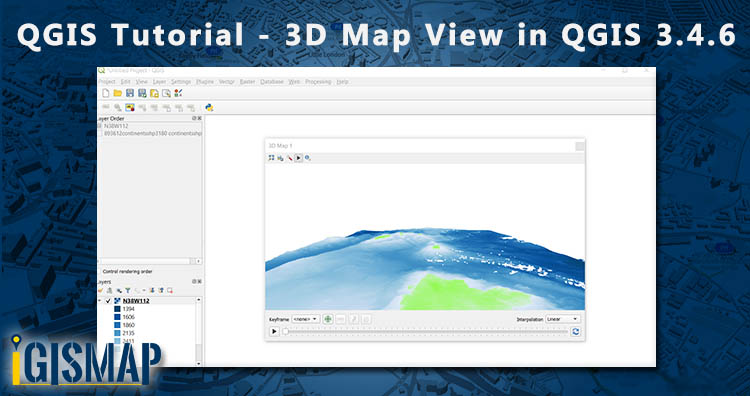
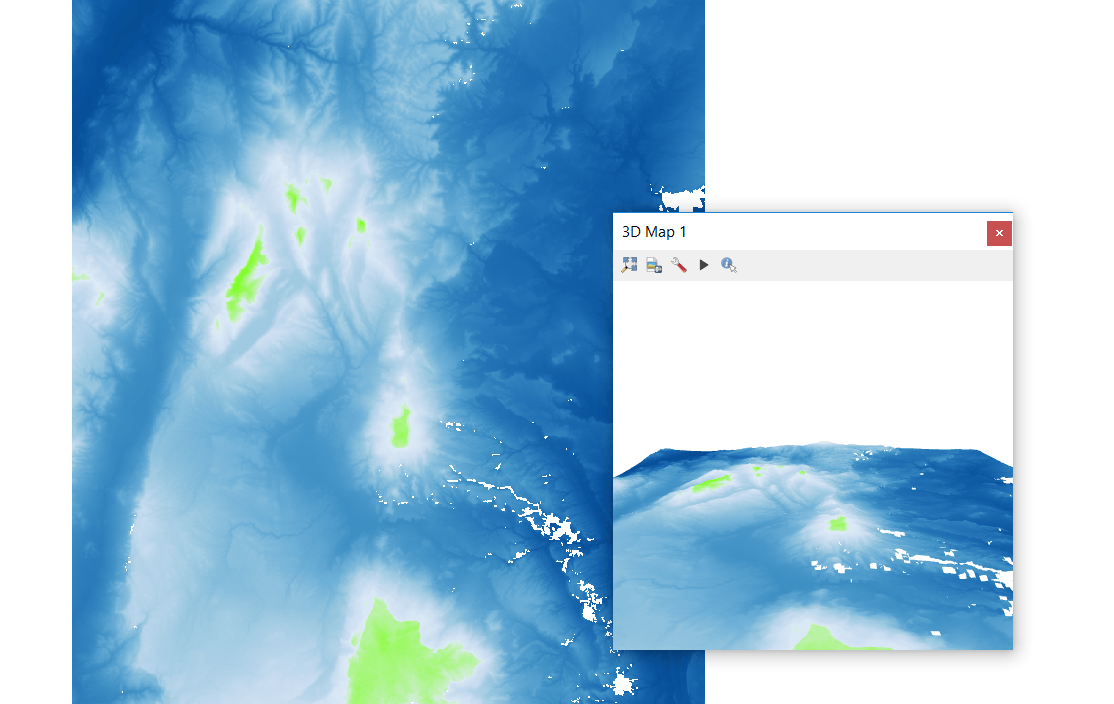
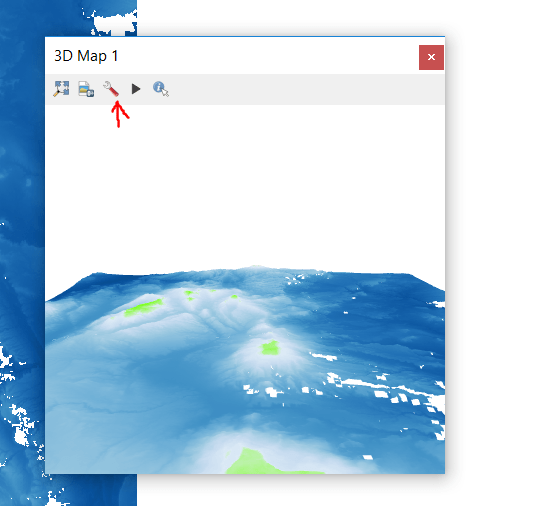
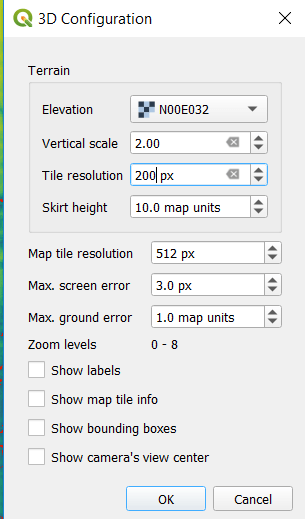
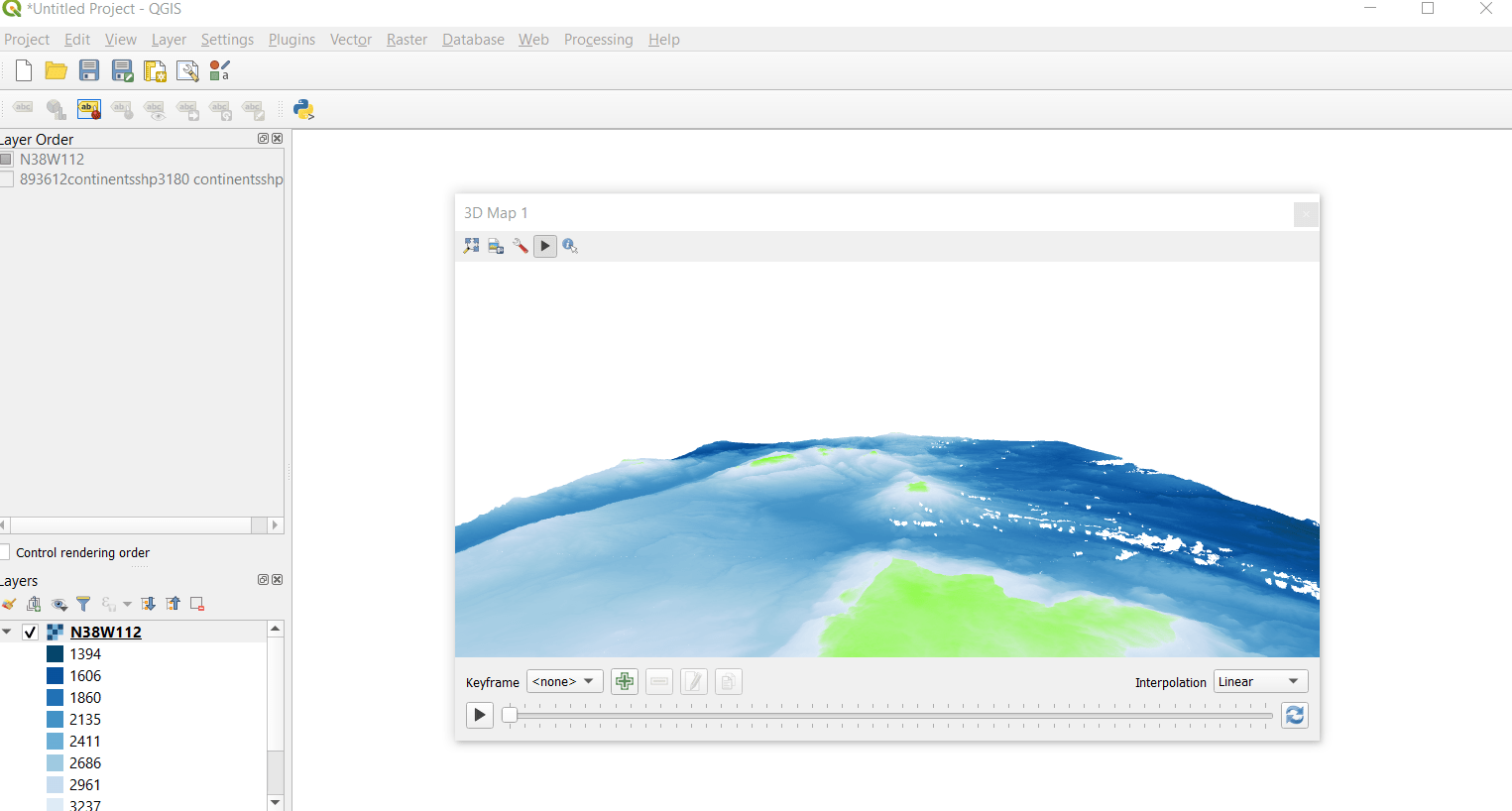
Try 3D view map in QGIS

Install Semi- Automatic Classification Plugin in QGIS 3.4.4

For landsat 8 images in QGIS 3.2.1 you need to download plugin. Go to plugin >> search for Semi- Automatic Classification Plugin and  install it.

download Landsat 8 images in QGIS 3.2.1

Once the Semi-Automatic Classification plugin installed then SCP input and Dock appeared on the screen.

Download Landsat Images

Go to SCP & Dock, tap on download product. Symbol of download shown below.download Landsat 8 images in QGIS 3.2.1

After clicking Semi-automatic classification plugin window will appear. Search for parameter by writing the coordinates of the area (longitude and latitude) download Landsat 8 images in QGIS 3.2.1

You can download images from Sentinel – 2 , Sentinel -3 , L 4-5, L7 or L8. Here we download image from L8 OLI/TIRS. So select L8 OLI/TIRS from download product. Select date and click on find.

download Landsat 8 images in QGIS 3.2.1

Few seconds later a list of images appeared in the product list. Check the products in the preview for the appropriate image.

Click the load buttonfor preview map provided in the right side of the window. download Landsat 8 images in QGIS 3.2.1

We can also set the bands according to our purpose by selecting download images tab.

download Landsat 8 images in QGIS 3.2.1

Now, tap on Run button for downloading the image. Select the folder where you want to save file. Downloading process take lots of time be patient.

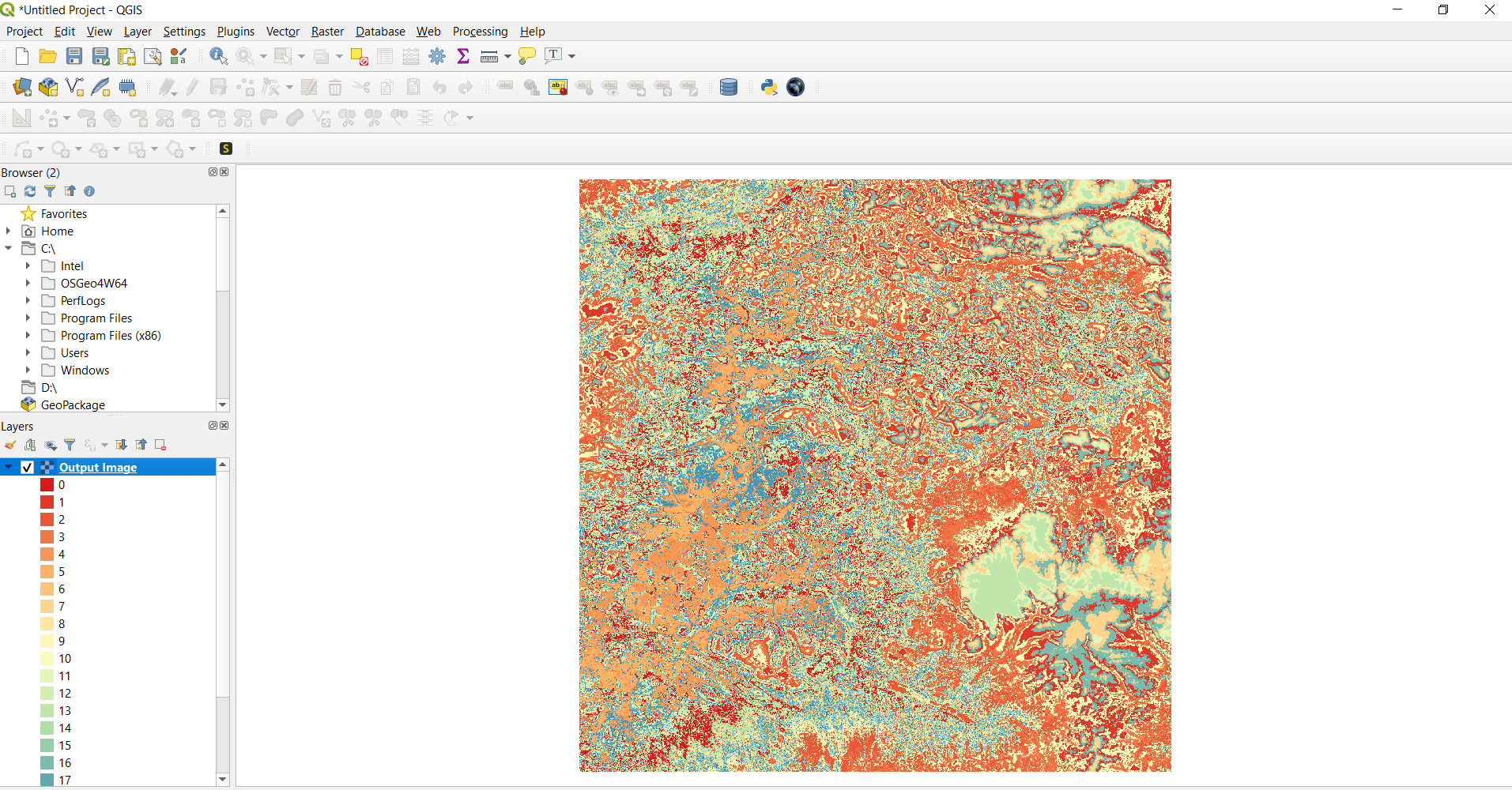
You can see the map shown below.

This all about downloading images from Landsat 8 for research and processing.

More on QGIS:

Download World GIS Data – Country Boundaries

Looking for Shapefile data of globally distributed features and boundaries for research or project, then you are at the right place. Here you can download global Country Level Boundaries shapefile and features for free.

Note:

  • All data available are in GCS datum EPSG:4326 WGS84 CRS (Coordinate Reference System).
  • You need to login for downloading the shapefile.

Download World Countries Boundaries Shapefile Data

This shapefile covers 246 countries in the world.

World Country Boundaries

Download World Country Boundaries Shapefile

Other Global GIS Data:

You can extract the countries or features of other data using Crop Layer tool available in the map canvas itself or you extract the feature in your desktop QGIS software. Follow this link to learn how to extract features in QGIS.

All data are updated periodically once in a quarter year.  Similarly you may ask or hire us to download a map of water, roads, polygon, buildings, parks of a specific Area from open street map.

If you want data under different license you can also look over to the post : Download Free Shapefile Maps – Country Boundary Polygon, Rail-Road, Water polyline etc

Download Free Shapefile for the following:

  1. World Countries Shapefile
  2. Australia
  3. Argentina
  4. Austria
  5. Belgium
  6. Brazil
  7. Canada
  8. Denmark
  9. Fiji
  10. Finland
  11. Germany
  12. Greece
  13. India
  14. Indonesia
  15. Ireland
  16. Italy
  17. Japan
  18. Kenya
  19. Lebanon
  20. Madagascar
  21. Malaysia
  22. Mexico
  23. Mongolia
  24. Netherlands
  25. New Zealand
  26. Nigeria
  27. Papua New Guinea
  28. Philippines
  29. Poland
  30. Russia
  31. Singapore
  32. South Africa
  33. South Korea
  34. Spain
  35. Switzerland
  36. Tunisia
  37. United Kingdom Shapefile
  38. United States of America
  39. Vietnam
  40. Croatia
  41. Chile
  42. Norway

Check the GIS Data collection for USA states:

Download Canada Administrative Boundary Shapefiles – Provinces, Census Divisions, Census Subdivisions and more

Hello GIS enthusiasts, IGISMAP has now published the latest GIS vector data of Mexico administrative levels. Links for downloading the shapefiles of the important administrative divisions of Mexico are provided in the following. You can also download these data in KML, GeoJSON or CSV formats. 

Note:

  • All data available are in GCS datum EPSG:4326 WGS84 CRS (Coordinate Reference System).
  • You need to login for downloading the shapefile.

Download Free Shapefile Data of Canada

Canada is a country in North America. Its ten provinces and three territories extend from the Atlantic Ocean to the Pacific Ocean and northward into the Arctic Ocean, covering over 9.98 million square kilometers (3.85 million square miles), making it the world’s second-largest country by total area. Its southern and western border with the United States, stretching 8,891 kilometers (5,525 mi), is the world’s longest binational land border. Canada’s capital is Ottawa, and its three largest metropolitan areas are Toronto, Montreal, and Vancouver.

Canada National Boundary

Download Canada National Outline Boundary Shapefile

Download Canada Province Shapefile Data

Canada province shapefile covers following provinces and territories-

  1. Alberta
  2. British Columbia
  3. Manitoba
  4. New Brunswick
  5. Newfoundland and Labrador
  6. Nova Scotia
  7. Ontario
  8. Prince Edward Island
  9. Quebec
  10. Saskatchewan
  11. Northwest Territories
  12. Nunavut
  13. Yukon
Canada Province Boundaries

Download Canada Province Boundaries Shapefile

Download Canada Census Divisions Shapefile Data

Canada Census Division Boundaries

Download Canada Census Division Boundaries Shapefile

Download Canada Census Subdivisions Shapefile Data

Canada Census Subdivision Boundaries

Download Canada Census Subdivision Boundaries Shapefile

Other Administrative Shapefile Data:

Other GIS Data:

You can view this shapefile in our tool MAPOG Tool

Please note that the Canada data provided here is license under Open Data Commons Open Database License (ODbL). Please review the same before using it. If you want data under different license you can also look over to the post : Download Free Shapefile Maps – Country Boundary Polygon, Rail-Road, Water polyline etc

Download Free Shapefile for the following:

  1. World Countries Shapefile
  2. Australia
  3. Argentina
  4. Austria
  5. Belgium
  6. Brazil
  7. Canada
  8. Denmark
  9. Fiji
  10. Finland
  11. Germany
  12. Greece
  13. India
  14. Indonesia
  15. Ireland
  16. Italy
  17. Japan
  18. Kenya
  19. Lebanon
  20. Madagascar
  21. Malaysia
  22. Mexico
  23. Mongolia
  24. Netherlands
  25. New Zealand
  26. Nigeria
  27. Papua New Guinea
  28. Philippines
  29. Poland
  30. Russia
  31. Singapore
  32. South Africa
  33. South Korea
  34. Spain
  35. Switzerland
  36. Tunisia
  37. United Kingdom Shapefile
  38. United States of America
  39. Vietnam
  40. Croatia
  41. Chile
  42. Norway

Disclaimer : If you find any shapefile data of country provided is in correct do contact us or comment below, so that we will correct the same in our system.

Convert GeoTIFF to AAIGrid

In this post we are going to discuss that how can we convert GeoTIFF to AAIGrid data format.

GeoTIFF is a public domain standard which allows georeferencing information to be embedded within a TIFF file. GeoTIFF files also includes map projection, coordinate systems and datums data to establish the exact spatial reference for the file.

AAIGrid or Arc/Info ASCII Grid is supported for read and write access, including reading of georeferencing transform and some projections. The projections support is quite limited. It is normally produced with the Arc/Info ASCIIGRID command.

Conversion of GIS data like GeoTIFF to AAIGrid can be so easy with the help of the online conversion tool like MAPOG online GeoTIFF to AAIGrid Converter.

IGISMAP to Convert GeoTIFF to AAIGrid

For GeoTIFF to AAIGrid conversion, go to Converter tool, after logging in with your registered email and password from MAPOG. If you are a new user, click the Sign Up button in the Login popup and register to IGISMAP by filling the details.

There are three main steps for using GIS Converter:

  • Upload the data
  • Choose the format to which it should be converted
  • Download the converted file

Step one is to upload the GeoTIFF file which you want to convert. You can upload your file from system or select from the Recent Files.

Converter Tool - Upload GeoTIFF
Upload GeoTIFF

Here we have uploaded the Satellite image of the Mumbai port in GeoTIFF format collected from Google Earth Engine.

Step two is to select the output format from the dropdown for the converted file, in this case its AAIGrid. You can also set the Coordinate Reference System of your preference. As a default CRS will set to WGS 84 (World) [EPSG:4326]. Now Now Click on the Convert File.

Converter Tool - AAIGrid as Output Format
Select AAIGrid as Output Format

After clicking the Convert File button, your GeoTIFF file will be converted to AAIGrid file after a few seconds and will be available for downloading in the Converted Files section of the dashboard.

Download AAIGrid File

Raster files are currently not available for processing in IGISMAP, thus the output AAIGrid file cannot be visualized in the map canvas. Instead it will be available for download in the Converted Files section.

Converted Files section from the dashboard contains the list of the details of all the conversion done in your account, providing both input and output data available for download their corresponding formats

If you face any problem during implementing this tutorial, please let us know. Feel free to comment in given comment box.

You can also check-

Telecom GIS System

The use of Telecommunication is a necessity for everyone these days. As  a result telecommunication has so much to do with different sectors of technologies. One of those technologies is GIS, GIS plays a major role for telecom industry. Telecom GIS System is an initiative by IGIS Map to provide help for research and analytics of existing socio-economic factors, business processes and operational complexities in Telecommunication industry. It is created to solve the vast area of issues related to GIS for Telecommunication industry.

Check – Locate Junctions, Map available ports in Telecom

Telecom GIS System

It is powerful tool to create maps, integrate information, visualize scenarios, solve complicated problems, present powerful ideas & develop effective solutions. It helps telecom industry personnel recognizes the  opportunities, market trends, threats and patterns.

  • Visualize with Us – Users can locate areas of market trends and growth as they appear. Which can help them in providing time to respond to the situations.
  • Analyze with Us – Users can analyze the test scenarios with GIS tool. They can select and analyze the network performance and fix the issues before they affect services.

Telecom GIS System is offering these 3 modules in its package for the Telecom industry’s benefit.

The Telecom GIS system have the feature to attach documents, spreadsheets, or images to provide users with additional information or required documentation with these modules. The GIS system uses the information technology and GIS for software and data so that it can provide these excellent services to the industry professionals which otherwise may not be possible with tabular format data. 

Telecom GIS System – Issues

Telecommunication industries are striving to add innovations to various aspects such as Plan, Build and Operate because of the growth prospects of the industry. Here are some major problems faced by Telecommunication sector:

  • Capacity Planning
  • Demand Forecasting
  • Personnel Management
  • Market Segmentation
  • Real-time Knowledge Of Network Structure

As we have already discussed these issues in our previous blog, here is the link for more details on Problems Faced by Telecom Industry and the ways in which GIS helps in solving these problems.

Telecom GIS System – Features

This GIS system can help telecommunication industries in various ways. It will enhance the ability of stakeholders to build resilient infrastructure, facilities, distribution, quality of services, security and innovation in business. Its features helps stakeholders to understand the network structure on a near real-time basis, for better capacity planning.

Some of the features of Telecom GIS System are as follows:

  • Location-Based Information

Location is fundamental to all telecommunications services—cable, wireless, and wire-line. Now with Telecom GIS system, quickly discover and access location information from an application on any device, anywhere, anytime.  Most noteworthy the stakeholders can also enable sales and marketing departments to more effectively target their customers or transfer location information to the field technician to resolve problems and issues. The stakeholders can also evaluate the most cost-effective areas and routes for deploying new networks with the location-based information.

  • Field Data Collection

The Field data collection will be made available to all stakeholders through web interface and a mobile application. GIS system provides provides the selective mode of data collection by walk or vehicle mode. The field data collection enhances efficiency of network monitoring activities as this provides the real-time field data information. Field Data collection also helps in decreasing the response time for network recovery on the field. Geographic based work order management.

  • Map Creation and Updation

Map creation of networks was a lot troubled work previously, it used to take more time and man power to create a map of land survey data and lots of drawing skills to map them. Maps are created easily with the help of GIS technology now-a-days. Hence GIS system provides tool to create map in just a minute and can be updated after getting published. No drawing skills is required for creating the map of networks for telecom industry.

The  integrated maps and information can help stakeholders make the better decisions about maintaining and planning the network infrastructure.

  • Query Management and Analysis

Telecom GIS system helps in optimize strategic planning for network expansion, Optimized network routing, cost estimating and jurisdiction with Query management and analysis of the network area. It provides the query and analysis tools to determine optimal network routing between sites to determine optional paths for cable networks applying user defined criteria (i.e. minimum distance, minimum items required). The system also provides web interface with functionality like services, physical and logical tracing. The system can also be able to do analysis of the number of customers affected due to the fault in a network.

  • Conversion of CAD/GIS data sets

This system supports almost every CAD and GIS data. So if the stakeholder wants to convert the CAD/GIS data files into other formats they are free to do so. Conversion of data sets can help users to get the required format of data as output they need.

  • Report generation and designing tools

Report generation is one of the most important feature in the Telecom GIS system. In this system stakeholders can get both the administrative report and the work order report. The user can generate own reports and download the network data. Report generation could help in Outside or inside plant management, query management or the bill of material generation.

Telecom GIS System also offers the designing tool’s functionalities like pan, zoom, identifying features on a map,  measure distance, interactive north arrow, magnification window, overview window, find place, query attribute, search attribute, editing, geo-processing tasks, adding base maps etc.

  • Share and Collaborate

Telecom GIS system allow the stakeholders to collaborate by sharing maps and dashboards that illustrate performance and statuses to support decision-making. It allows the field operations to collect data and communicate with the main officers and similarly enables sales staff to share market forecast maps with network planners. Sharing network data can be very helpful for collaborating in telecom industry. 

Check out video – how to use IGIS Map Tool in Telecom

Telecom GIS System – Uses

    • Identify New Business Opportunities

Telecom Marketing experts can identify the specific areas with the high growth potential businesses by visualization of map. They can determine the areas for the network investment for new businesses with high profit.

    • Mapping potential customers

Telecom industries personnel can visualize the potential customer base by analyzing the best location for network investments. And route for determining the nearing and exceeding capacity networks for  opportunities to reach new customers.

    • Effective Functioning

Real-time data information via maps helps telecom industries analyze real-time progress when establishing new network infrastructure. From this information they can understand manage the progress quickly and efficiently to reduce the time to market.

Telecom GIS System helps identify relations between potential customer’s location and the organization’s marketing region. Telecom sector can use this GIS system for getting information details similar to customer’s demography, location, lifestyle, business behavior and managing organization’s marketing strategy, promotional events or Maximizing the effectiveness of strategic investments. 

Basically, GIS is widely used in making effective decisions using the existing network structure and network performance status in Telecom sector. Telecom GIS system is an effective and efficient software to use for the telecom industries. For furthermore queries drop you comments below. Any suggestions are welcome.

Want a Telecom GIS System hire us or ask for Quotation. Drop mail at akshay@engineerphilosophy.com for queries.